blurst

The lightbox opens on the first frame.

Tap an image and it is already open — showing the thumbnail the browser has cached, blurred, until the full-resolution file decodes and takes its place. Pinch to zoom, swipe to dismiss, 7 kB gzipped, no dependencies.
Try itGitHub
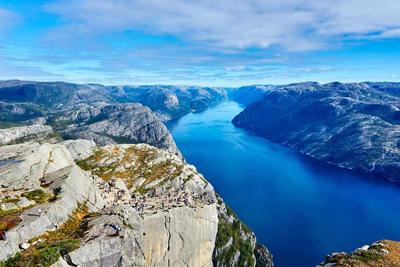
  • Aerial view of the deep blue Lysefjord winding between grey cliffs in Norway
  • A single road curving through the green ridges of the Quiraing under low cloud
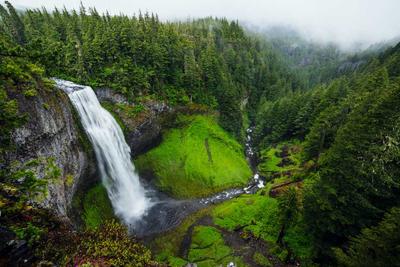
  • A tall waterfall dropping into a moss covered gorge ringed by fir trees
0 ms to first paint

The already-loaded thumbnail is the placeholder. Nothing is fetched to open.

7 kB gzipped

One file, zero dependencies, no stylesheet to import.

Native gestures

Pinch, double-tap, pan, swipe to dismiss, swipe between images.

Any image

A 32 px avatar, a grid tile, a full-bleed hero, or markup you don't own.

Playground

Every behaviour is a prop

  • Aerial view of the deep blue Lysefjord winding between grey cliffs in Norway
  • A single road curving through the green ridges of the Quiraing under low cloud
  • A tall waterfall dropping into a moss covered gorge ringed by fir trees
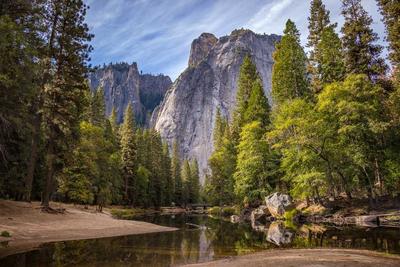
  • Granite cliffs above a pine forest reflected in a still river
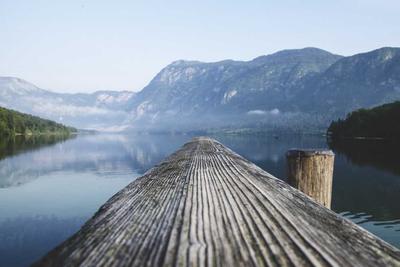
  • A weathered wooden jetty reaching into a mirror flat lake below misty mountains
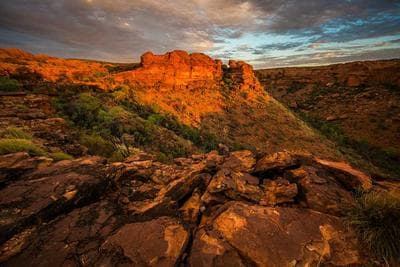
  • Red sandstone cliffs lit by low sun above a boulder strewn gorge
16px
24px
5
1200ms

Latency is added by this page, not the library — it holds the blurred frame long enough to see.

// every default is already what you want
<BlurstImage src={thumb} full={full} alt="…" />
Setups

Seven ways to wire it up

Zero config
Aerial view of the deep blue Lysefjord winding between grey cliffs in Norway
import { BlurstImage } from "blurst";

<BlurstImage
  src="/photo-thumb.jpg"
  full="/photo-full.jpg"
  alt="Lysefjord, Norway"
/>
Any size, not just thumbnails
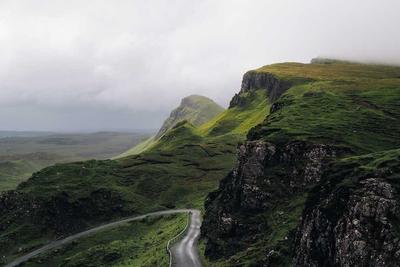
A single road curving through the green ridges of the Quiraing under low cloud
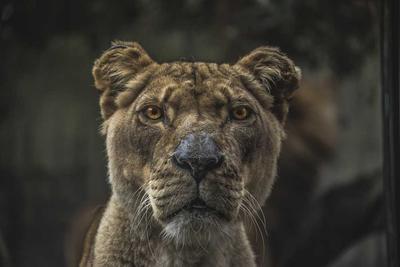
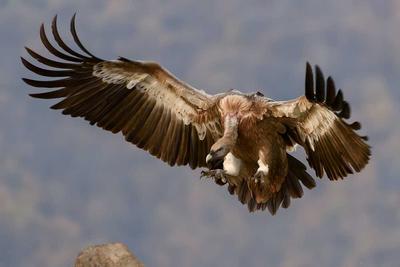
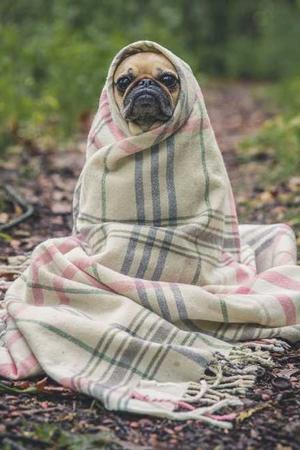
A lioness looking straight into the camera in low lightA griffon vulture landing with both wings fully spreadA pug wrapped in a checked wool blanket sitting on a forest path40px triggers, same behaviour
// a 32px avatar and a full-bleed hero
// use the same component
<BlurstImage src={avatar} full={portrait} />
<BlurstImage src={hero} className="w-full" />
Gallery
  • A tall waterfall dropping into a moss covered gorge ringed by fir trees
  • Granite cliffs above a pine forest reflected in a still river
  • A weathered wooden jetty reaching into a mirror flat lake below misty mountains
  • Red sandstone cliffs lit by low sun above a boulder strewn gorge
  • A lioness looking straight into the camera in low light
  • A pug wrapped in a checked wool blanket sitting on a forest path

Swipe sideways, or use the arrow keys.

import { BlurstGroup, BlurstImage } from "blurst";

<BlurstGroup>
  {photos.map((p) => (
    <BlurstImage key={p.id} src={p.thumb} full={p.full} />
  ))}
</BlurstGroup>
Markup you don't control

Rendered from a CMS string. No component wraps these images.
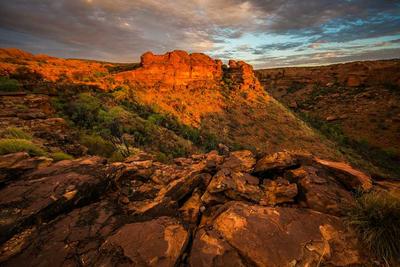
Red sandstone cliffs lit by low sun above a boulder strewn gorgeA weathered wooden jetty reaching into a mirror flat lake below misty mountains
import { BlurstAuto } from "blurst";

<article dangerouslySetInnerHTML={{ __html: post.html }} />
<BlurstAuto selector="article img" gallery />
Any element as the trigger
import { Blurst } from "blurst";

<Blurst src="/receipt-full.jpg" thumb="/receipt-thumb.jpg">
  <button className="card">…</button>
</Blurst>
next/image
Red sandstone cliffs lit by low sun above a boulder strewn gorge
import Image from "next/image";
import { Blurst } from "blurst";

<Blurst src="/photo-full.jpg">
  <Image src="/photo.jpg" width={400} height={267} alt="…" />
</Blurst>
Open it from anywhere

Buttons, table rows, map pins — anything can open it.

import { useBlurst } from "blurst";

const { open } = useBlurst();

open({ items: photos, index: 2 });
Any image

Big images too

A weathered wooden jetty reaching into a mirror flat lake below misty mountains

When the trigger is already large, there is nothing to blur past — the image flies straight to the fitted rect and the full file swaps in behind it. The same component covers both ends.

Install

Two lines

npm i blurst
# pnpm add blurst
# yarn add blurst
# bun add blurst
import { BlurstImage } from "blurst";

export function Photo() {
  return <BlurstImage src="/thumb.jpg" full="/full.jpg" />;
}

React 18 or 19. Works in the Next.js App Router without a "use client" boundary of your own — the package ships one.

API

Options

transition"zoom"

Flies from the thumbnail's position, cross-fades, or opens instantly.

openDuration260

Open animation, in ms.

closeDuration200

Close animation, in ms.

blur16

Blur radius on the placeholder, in px.

backdrop"rgba(0,0,0,0.92)"

Backdrop colour at rest.

backdropBlur0

Backdrop-filter blur, in px.

padding24

Gap between the image and the viewport edge, in px.

preload"hover"

When the full image is fetched: on intent, on open, or on idle.

resolveFull

Your own function for turning a trigger element into a full-res URL.

swipeToDismisstrue

Drag the image away to close.

swipeAxis"any"

Restrict the dismiss drag to one axis.

dismissThreshold96

Drag distance in px that commits to a close.

pinchToZoomtrue

Two-finger pinch, anchored at the midpoint.

doubleTapToZoomtrue

Double tap or double click zooms at that point.

wheelToZoomtrue

Trackpad pinch and ctrl+wheel zoom on desktop.

maxScale5

Upper zoom bound.

doubleTapScale2.5

Scale a double tap jumps to.

swipeToNavigatetrue

Horizontal swipe moves through a group.

looptrue

Wrap around at the ends of a group.

closeOnBackdropClicktrue

A tap outside the image closes.

keyboardtrue

Escape, arrows, +, -, 0.

closeButtontrue

Render the close control.

countertrue

Render the "2 / 8" counter for groups.

captionstrue

Render captions under the image.

loader

Custom spinner, or false for none.

zIndex9999

Stacking order of the overlay.

containerdocument.body

Portal target.

ariaLabel"Image viewer"

Accessible name for the dialog.

onOpen / onClose

Lifecycle callbacks.

onIndexChange / onZoom

Fired as the viewer moves or scales.

Set them per image, per group, or once on BlurstProvider. The nearest one wins.

FAQ

Questions